
Cricket Fantasy Points API: From Scorecard to Points
Every fantasy cricket contest ends with the same question: how many points did each player score? A cricket fantasy points API answers it in two ways, with live points while the match is on and final points once it is over. This guide explains how cricket fantasy points work, what the points data looks like in our API, and how to use it to show live scores, settle contests and handle corrections.
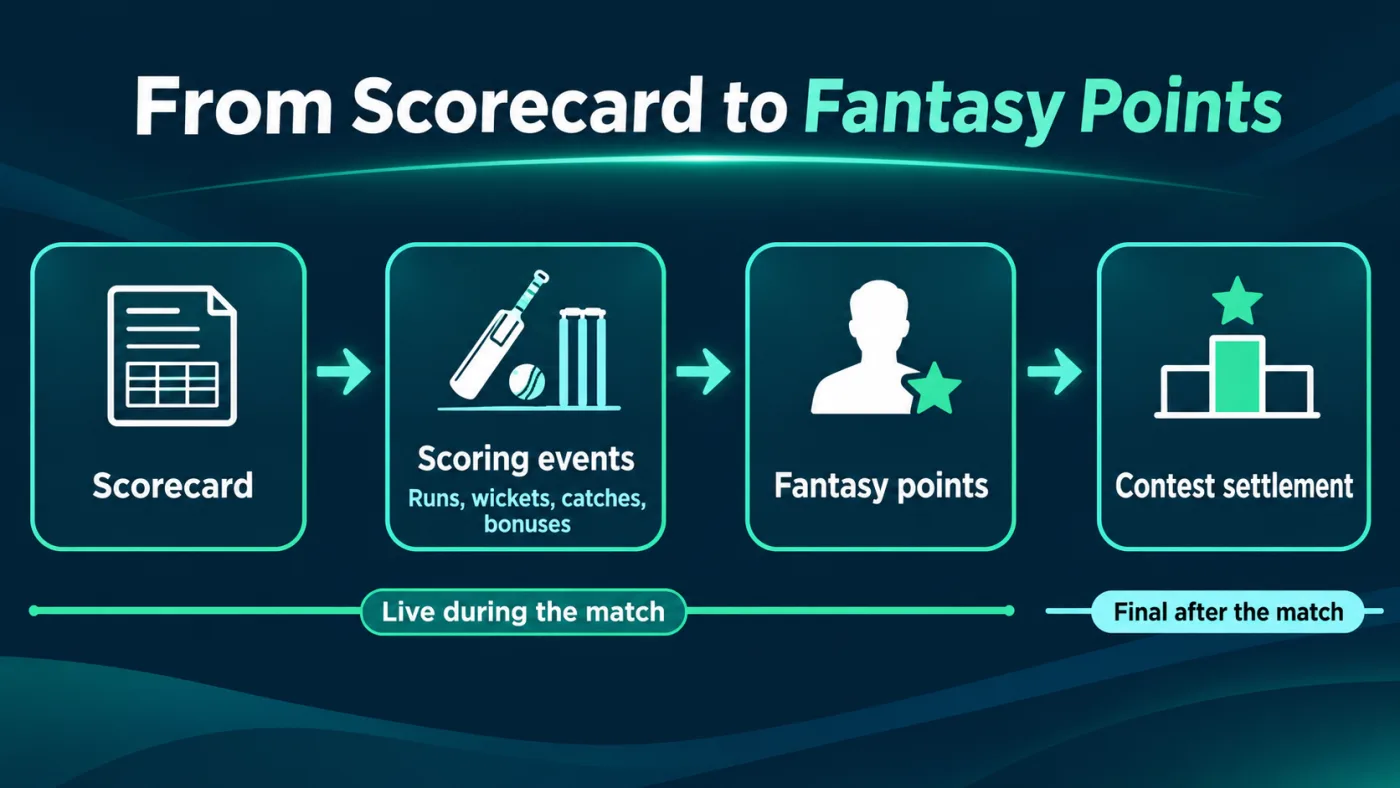
How cricket fantasy points work
Fantasy cricket turns a scorecard into points for each player. Platforms differ on the exact values, but the categories are similar:
| Category | Typical events | Event codes in the API |
|---|---|---|
| Batting | Runs, boundaries, milestones, strike rate, a duck | RUNS, FOURS, BATTING_MILESTONE, STRIKE_RATE, DUCK |
| Bowling | Wickets, bonuses for bowled or LBW, maiden overs, economy rate | WICKETS, LBW_BOWLED_BONUS, MAIDEN_OVER, ECONOMY_RATE |
| Fielding | Catches, and other dismissals taken in the field | CATCH |
| Appearance | Being announced or used as a substitute | ANNOUNCED_OR_SUBSTITUTE |
Point values depend on the scoring system, so your game and ours may differ. What matters for your integration is the structure: points come from named events, each with an actual match statistic behind it.
Two ways to get points
You can take the points the API calculates, or compute your own from the match statistics.
| Use the API's fantasy points | Calculate your own | |
|---|---|---|
| What you receive | A fantasy points total per player, with a breakdown by event | Statistics such as runs and wickets, from the breakdown and the scorecard |
| Effort | Lowest | You write and maintain the scoring rules |
| Flexibility | Your game uses the provider's scoring | Any scoring system you like |
| Best for | Launching quickly with standard scoring | Games with their own rules |
The breakdown helps in both cases. It carries the actual statistic next to the points for each event, so you can show users why a player scored, or rebuild the score under your own rules.
Points are one part of the data a fantasy app needs. The rest arrives in the same order as the match:
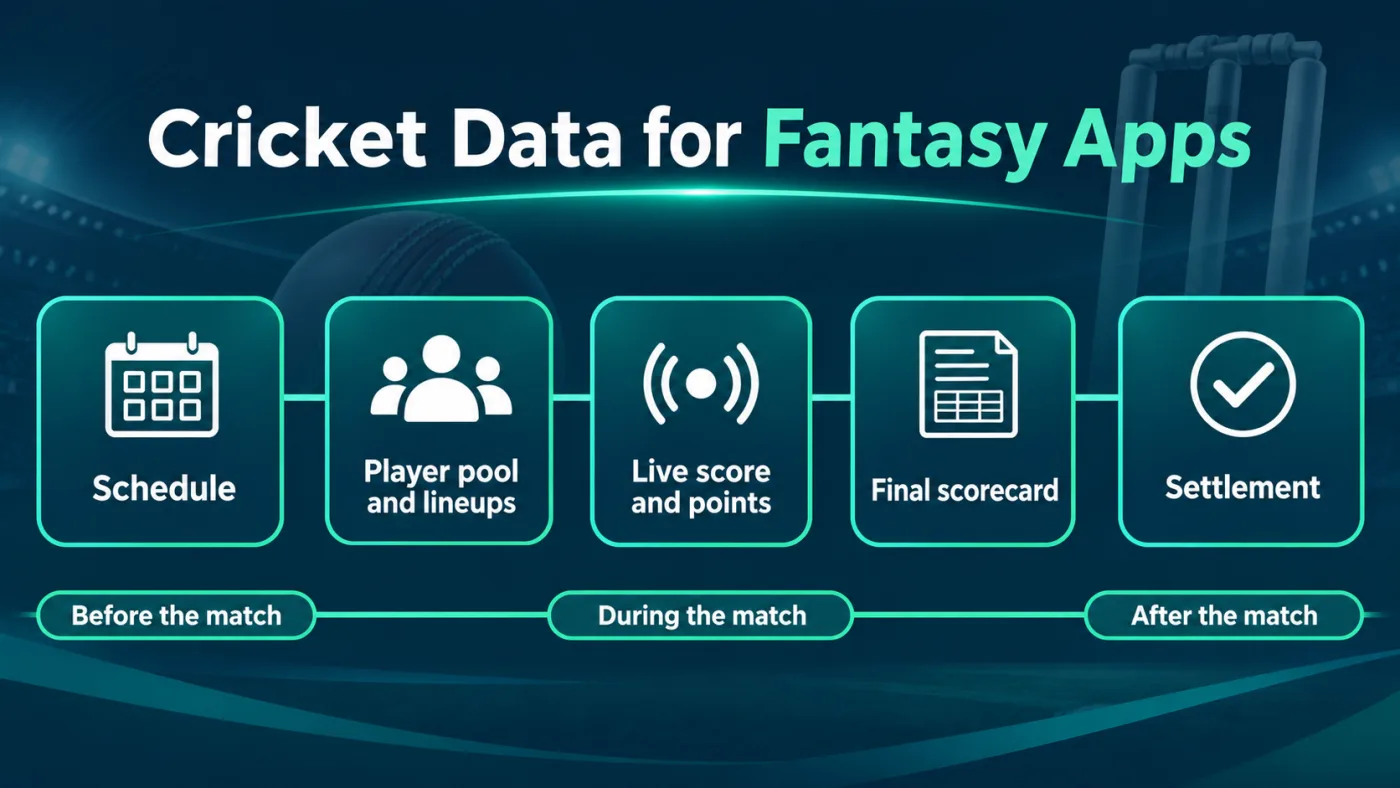
Live points during the match
The live endpoint returns the current points for every player and a ball-by-ball commentary feed. Each commentary record can carry the point changes it caused.
{
  "players": [
    {
      "playerId": "player_bumrah",
      "displayName": "Jasprit Bumrah",
      "teamId": "team_india",
      "position": "bowl",
      "fantasyPointsMinor": 4850
    }
  ],
  "commentary": [
    {
      "commentaryId": 296,
      "over": "11.4",
      "text": "Bumrah to Brook, OUT!",
      "pointChanges": [
        {
          "playerId": "player_bumrah",
          "fantasyPointsMinor": 3100,
          "eventCode": "WICKET",
          "reason": "Wicket",
          "isBonus": false
        }
      ]
    }
  ]
}
A few points on reading it:
- Minor units.
fantasyPointsMinoris in hundredths, so divide by 100. A value of 4850 is 48.5 points. - Running total. The player's points are the accumulated total through the current commentary record.
- Why points changed. Each point change has an event code and a readable reason, which is what you need for a live feed that says "Wicket, plus 31 points".
- Bonuses. The
isBonusflag is true for extra points the data source lists separately from the ball itself, such as a duck or a strike-rate bonus. - Incremental updates. Pass the last commentary ID you have seen to request only new records, or use the WebSocket feed to receive pushes instead of polling.
Final points after the match
When the match ends and the result is confirmed, the result endpoint returns the scorecard and the final points for every player.
{
  "matchId": "cf29740002",
  "status": "completed",
  "result": { "status": "SETTLED", "settledAt": "2025-01-01T21:28:00.000Z" },
  "fantasyPoints": [
    {
      "playerId": "player_jadeja",
      "displayName": "Ravindra Jadeja",
      "position": "ar",
      "isStarting": true,
      "fpsPointsMinor": 11250,
      "scoringBreakdown": {
        "innings": [
          {
            "sequence": 1,
            "events": [
              { "eventCode": "RUNS", "pointsMinor": 2800, "actual": "28" },
              { "eventCode": "BALLS_FACED", "pointsMinor": null, "actual": "16" },
              { "eventCode": "WICKETS", "pointsMinor": 5000, "actual": "2" }
            ]
          }
        ]
      }
    }
  ]
}
This is a shortened version of the example in the documentation, so it shows only some of the events. In it, 28 runs score 2,800 minor units (28 points) and 2 wickets score 5,000 (50 points). BALLS_FACED has null points because it is a statistic that is not scored on its own. The player's total, fpsPointsMinor, is the sum of everything awarded, and playerId matches the player pool you used for team building.
Settling a contest
Once you have the final points, settling a contest follows a short sequence:
- Wait until the result status is
SETTLED. A202response means it is still pending, and a void result means the match was cancelled or abandoned. - Join the points to each user's squad by
playerId. - Apply your own game rules, such as captain and vice-captain multipliers.
- Sum, rank and pay out.
const res = await getResult(matchId); // retry later if the API answers 202
if (res.result.status !== "SETTLED") return; // pending, or void

const points = new Map(
  res.fantasyPoints.map((p) => [p.playerId, p.fpsPointsMinor / 100])
);
const squadScore = squad.reduce(
  (sum, playerId) => sum + (points.get(playerId) ?? 0) * multiplierFor(playerId),
  0
);
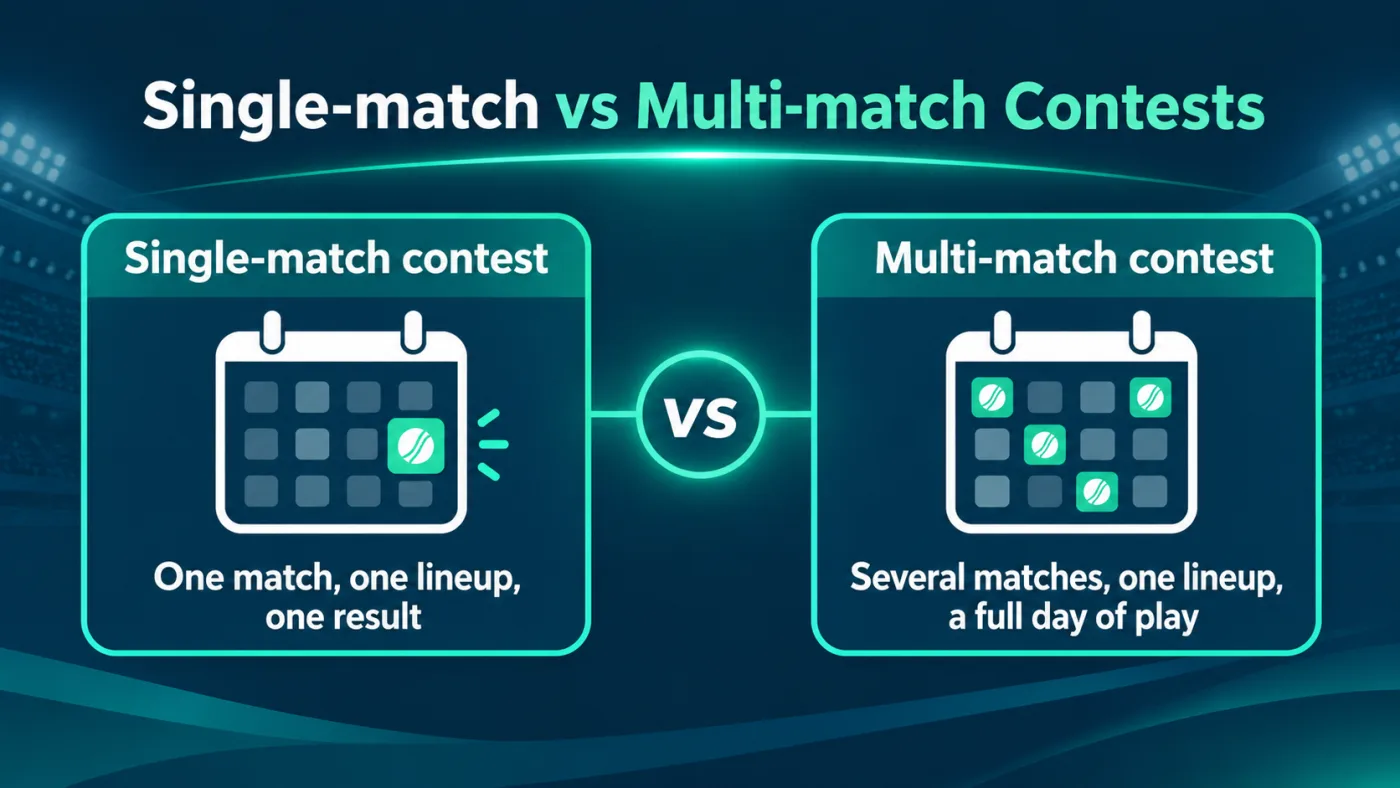
A contest can cover one match or several. For a multi-match contest, add up each player's final points once every match in it is SETTLED.
Edge cases worth handling
- Results are not instant. After a normal finish the data provider has up to 48 hours before the match moves to operational review, so a contest should wait for a settled result.
- Cancelled or abandoned matches. These return a void result, and your payout logic needs a path for refunds or voided contests.
- Corrections. Final data can be revised. The result webhook and the realtime result channel notify you when a result becomes available or is revised, so you can re-settle if your rules allow it.
- Substitutes. Check the starting flag and the announced-or-substitute event before you assume a player played.
- Merged matches. After a merge, the previous match ID still resolves and returns the current canonical ID.
Frequently asked questions
What is FPS in fantasy cricket?
FPS stands for fantasy points score, the total points a player earns in a match. In the API it is the points value on each player, delivered in minor units.
How are cricket fantasy points calculated?
A scorecard is turned into points through named events such as runs, wickets, catches and bonuses, each with its own value. Values differ between platforms, so decide your scoring system first and check how it maps to the event codes.
Can I change the scoring rules?
You can recalculate points yourself from the statistics in the scoring breakdown and the scorecard, which lets your game use any rules. If you use the API's points as they are, your game follows the provider's scoring.
How often do live points update?
Live points move with the ball-by-ball commentary records. Poll with the commentary cursor, or subscribe to the WebSocket feed for pushes.
Can I try it before subscribing?
There is no free tier, but there is a low-cost 3-day trial for $5. Choose it on the pricing page.
Where to go next
The points endpoints are part of the cricket API. Field-level detail is in the API documentation. If you are planning a full product, read how to build a Dream11-style app and see data for white-label fantasy products. For the betting side of the same matches, see the cricket betting API guide.